

Before you begin:
- Ensure you have admin access in Gratero.
- Keep your carrier credentials and warehouse details ready.
- Align your support team on communication channels.
1
Set up team roles
Add your operations, support, and manager users so ownership is clear from day one.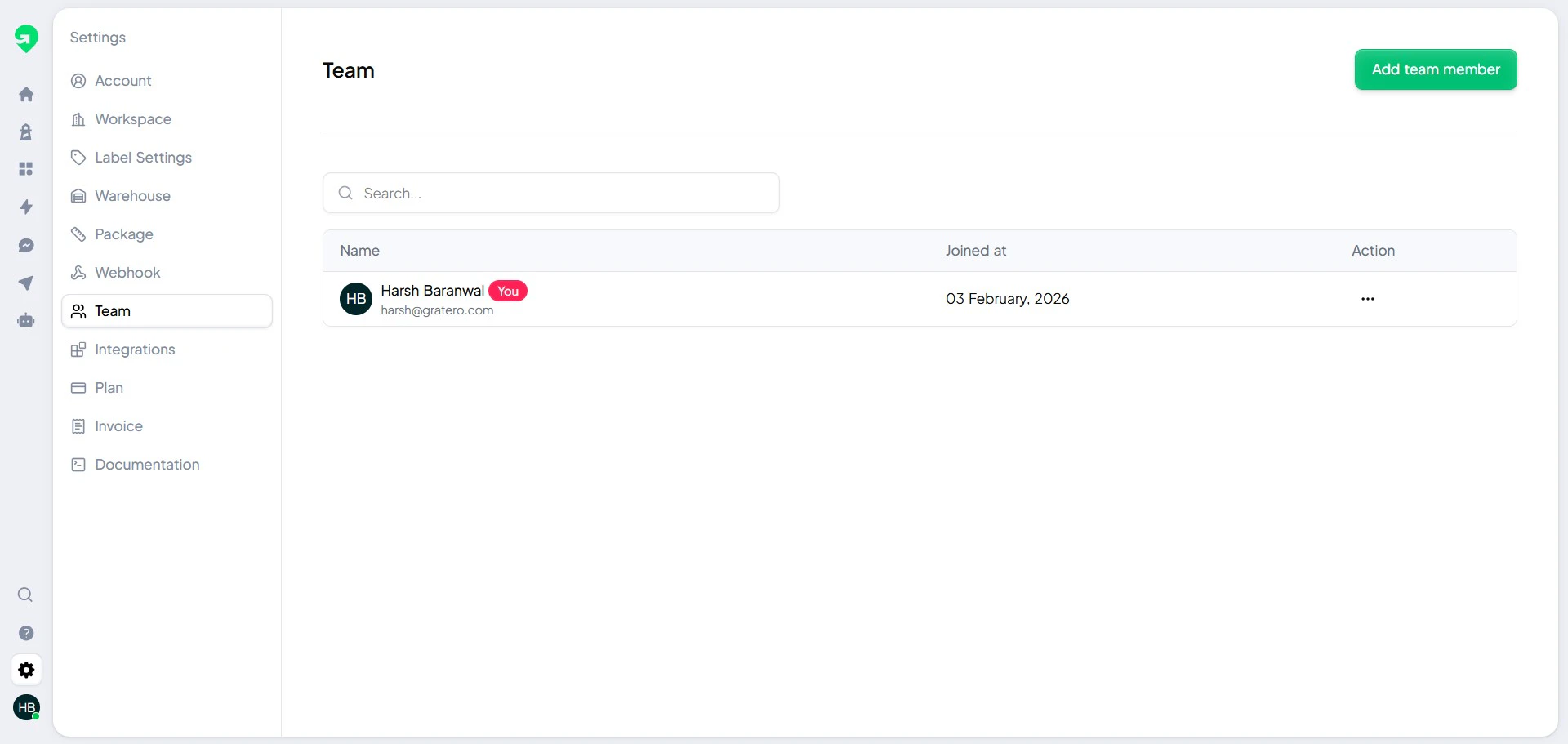
2
Configure warehouses
Add pickup locations and verify complete address and contact information.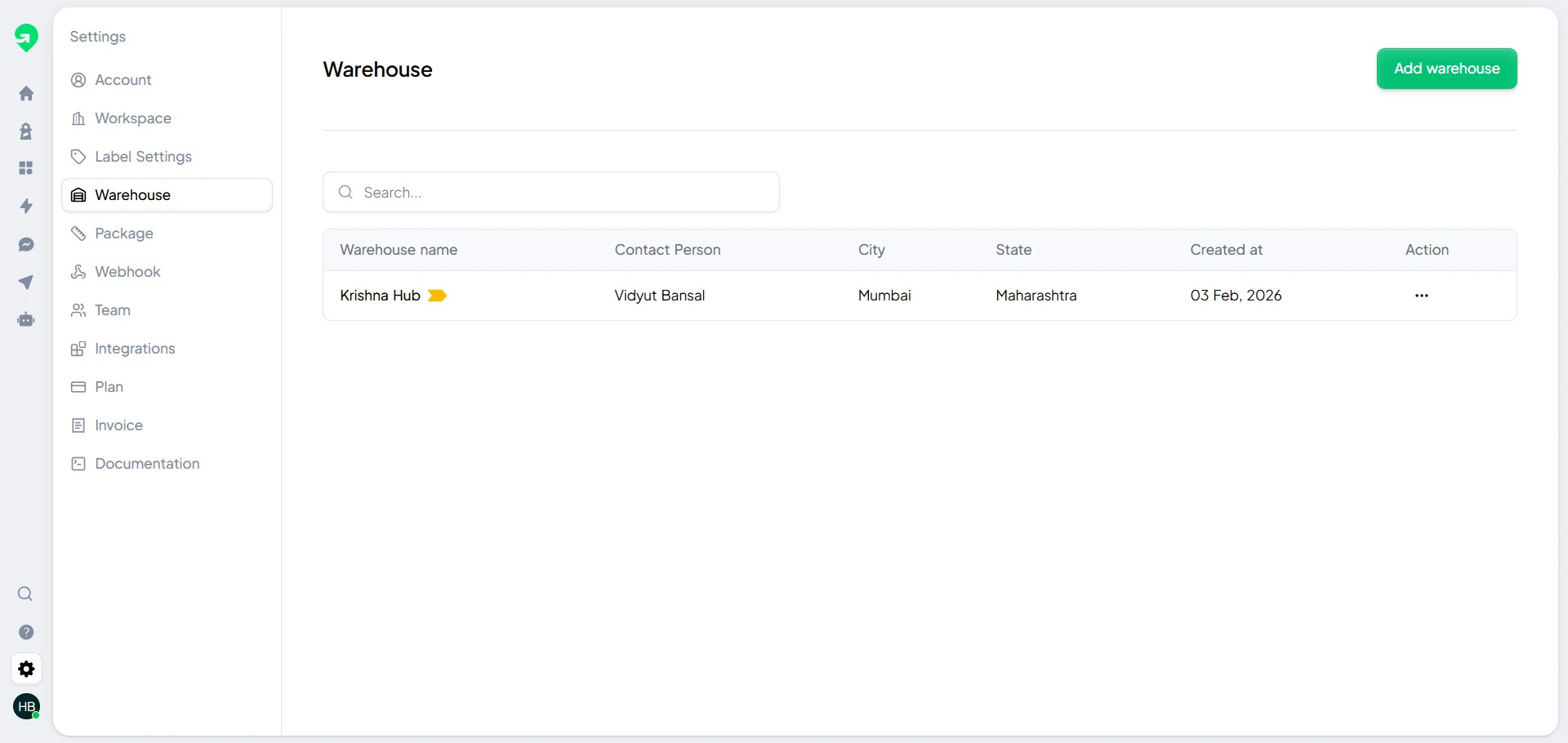
3
Connect courier partners
Add all active carrier accounts and confirm service availability.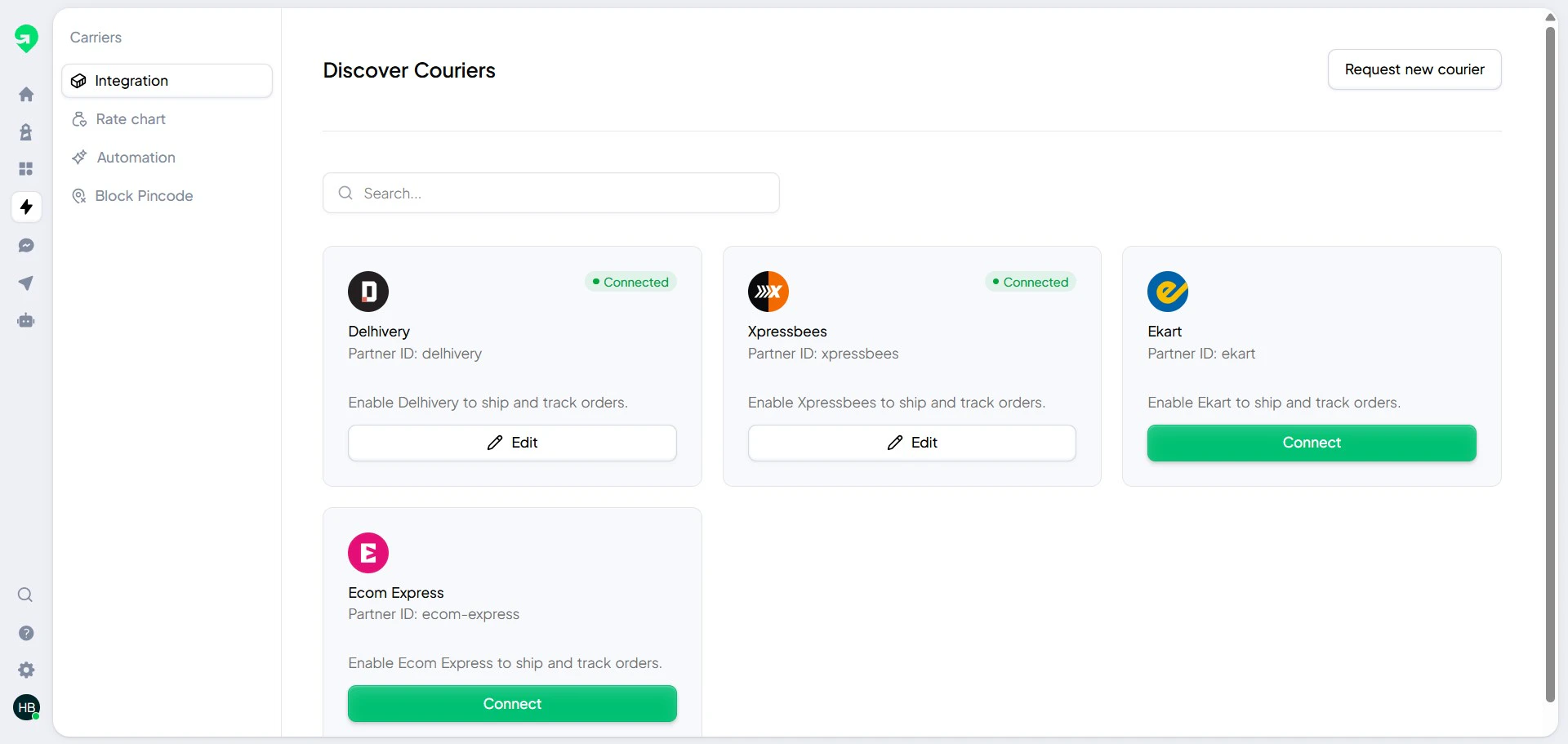
Serviceability protection
Block known non-serviceable or high-risk pin codes to reduce return and exception rates.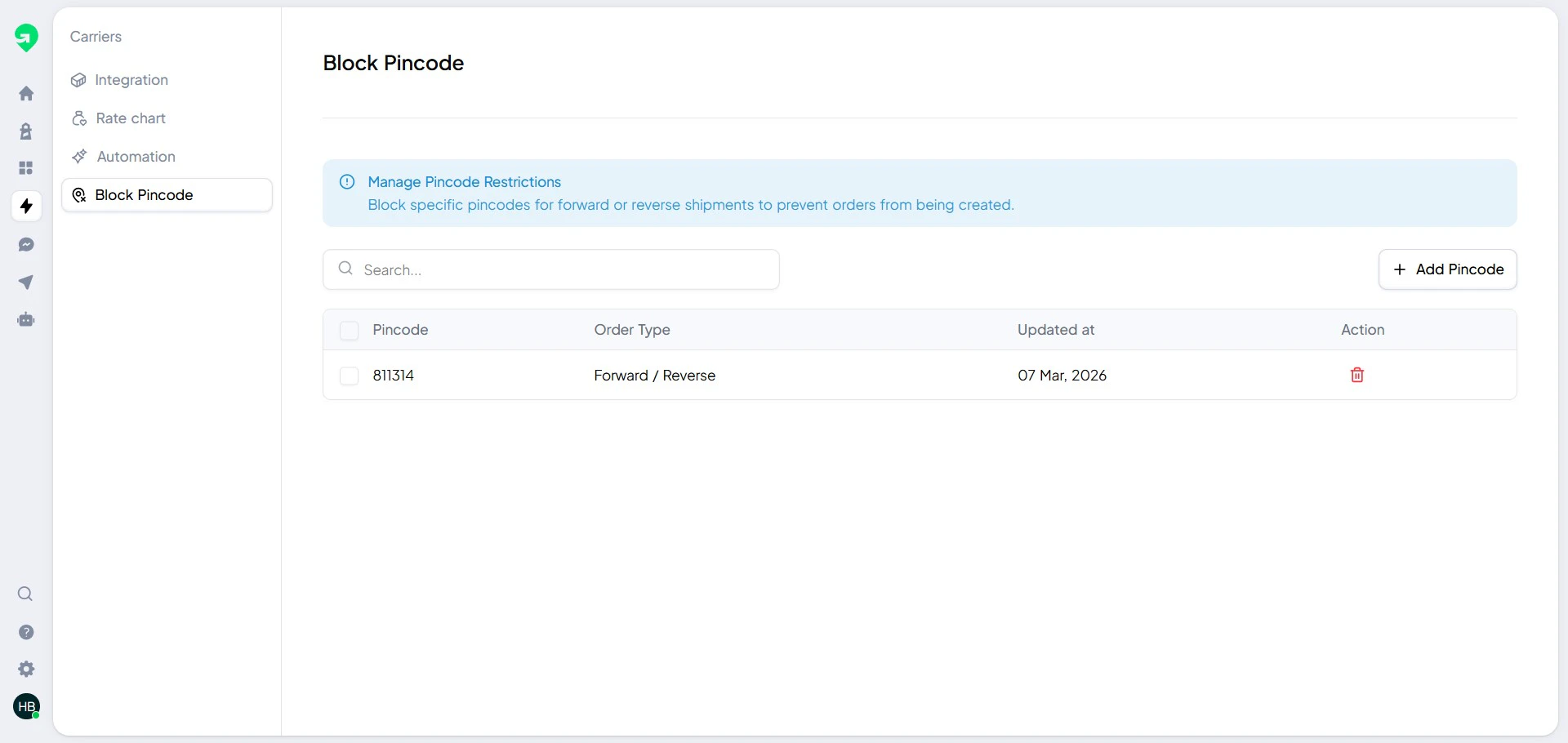
Troubleshooting
I cannot create labels after setup
I cannot create labels after setup
Confirm that:
- At least one warehouse is active.
- At least one carrier is connected.
- Your order destination pin code is not blocked.
Notifications are not being delivered
Notifications are not being delivered
Check that channel credentials are valid and templates are published.
Then run a test message from your notification settings.