

Get started in three steps
Follow this flow to prepare your Gratero account for live operations.Step 1: Create your workspace foundation
Invite your team
Invite your team
Open your team settings and invite admins and operators who will manage shipping, support, and automation.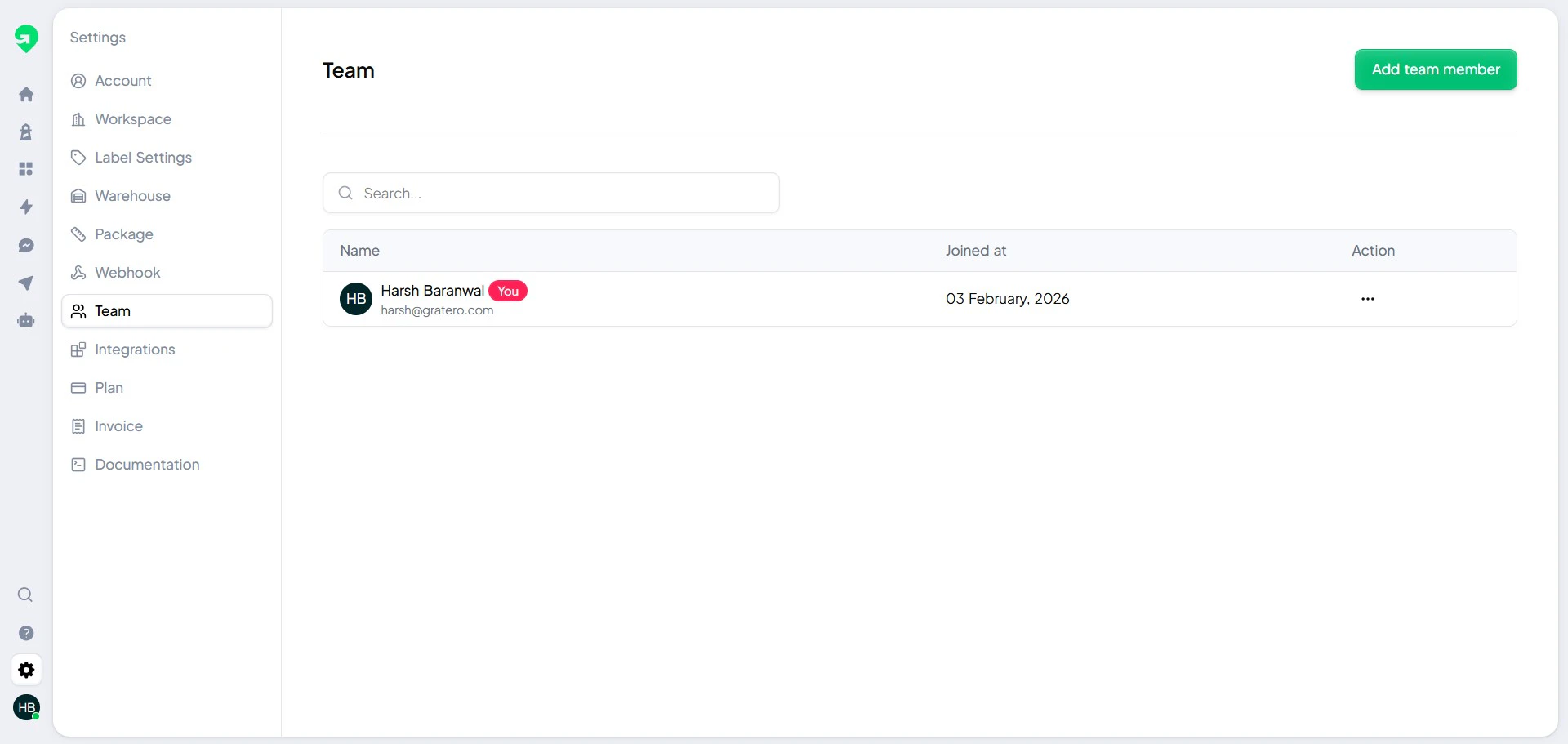
Add your first warehouse
Add your first warehouse
Add at least one pickup warehouse before creating labels.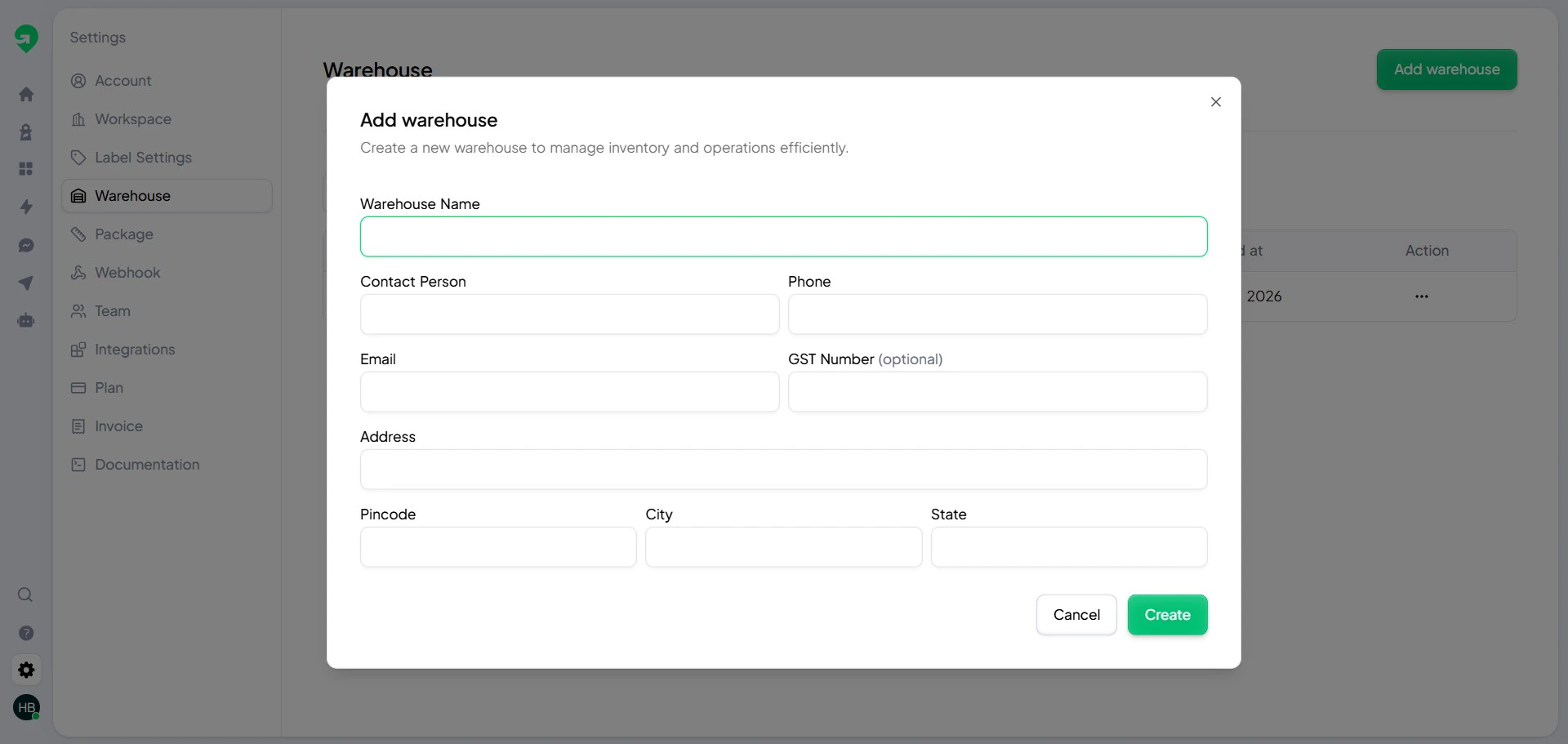
Step 2: Configure delivery partners and serviceability
Connect carriers
Connect carriers
Add each courier account that your operations team uses.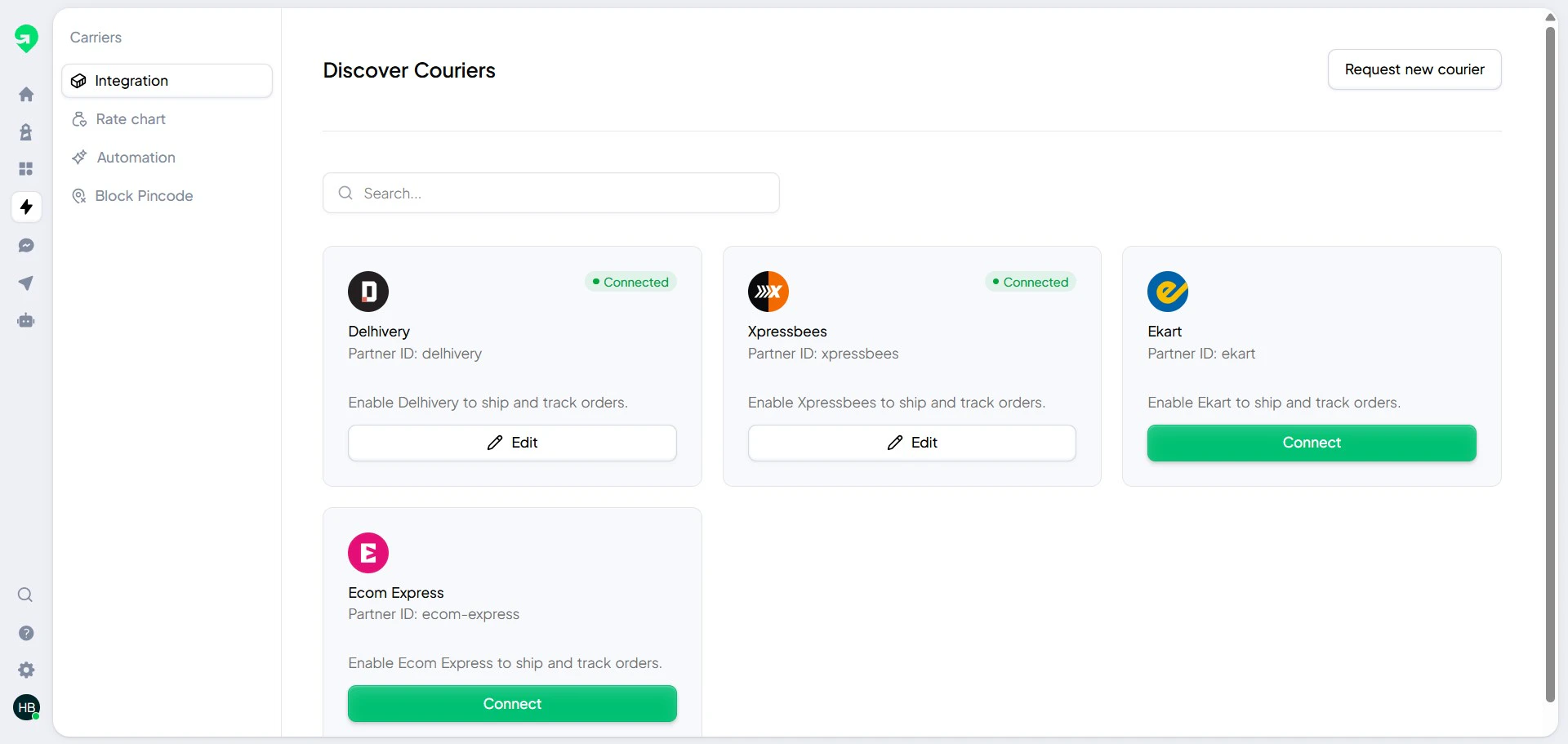
Block non-serviceable pin codes
Block non-serviceable pin codes
Use blocked pin codes to stop orders from entering known high-risk or unserviceable locations.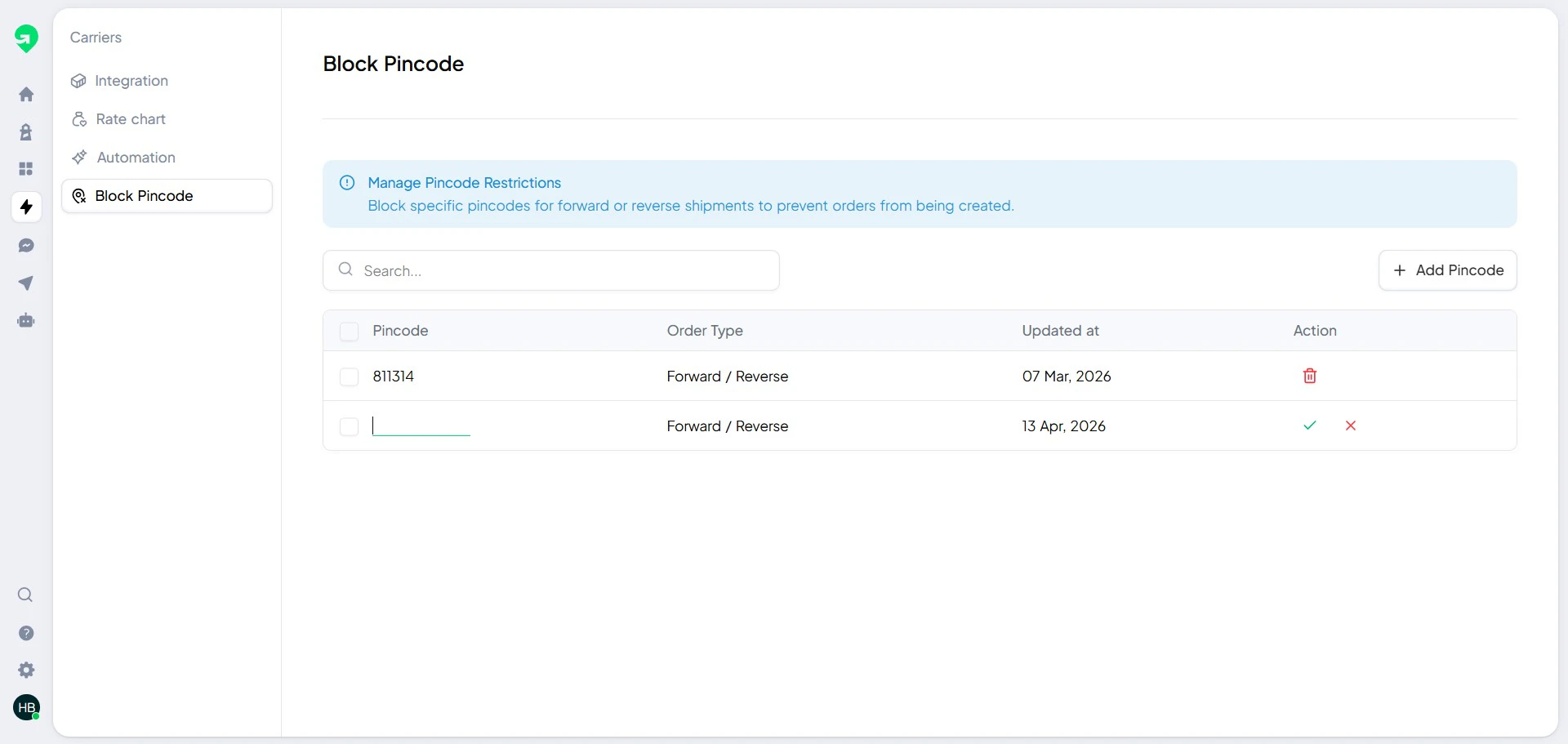
Step 3: Turn on customer communication and monitoring
Enable notifications and tracking
Enable notifications and tracking
- Configure notification templates and channel preferences.
- Publish your tracking page template.
- Run a test order to verify labels and updates.
Next steps
Once baseline setup is complete, use these guides:Automation rules
Build conditions and actions for repetitive operations.
Shipping setup
Manage warehouses, carriers, and blocked pin codes.
Label workflow
Generate and validate shipping labels.
AI agent
Configure AI-driven customer follow-ups.
Build your own internal SOP from this help center so onboarding and handoffs stay consistent.