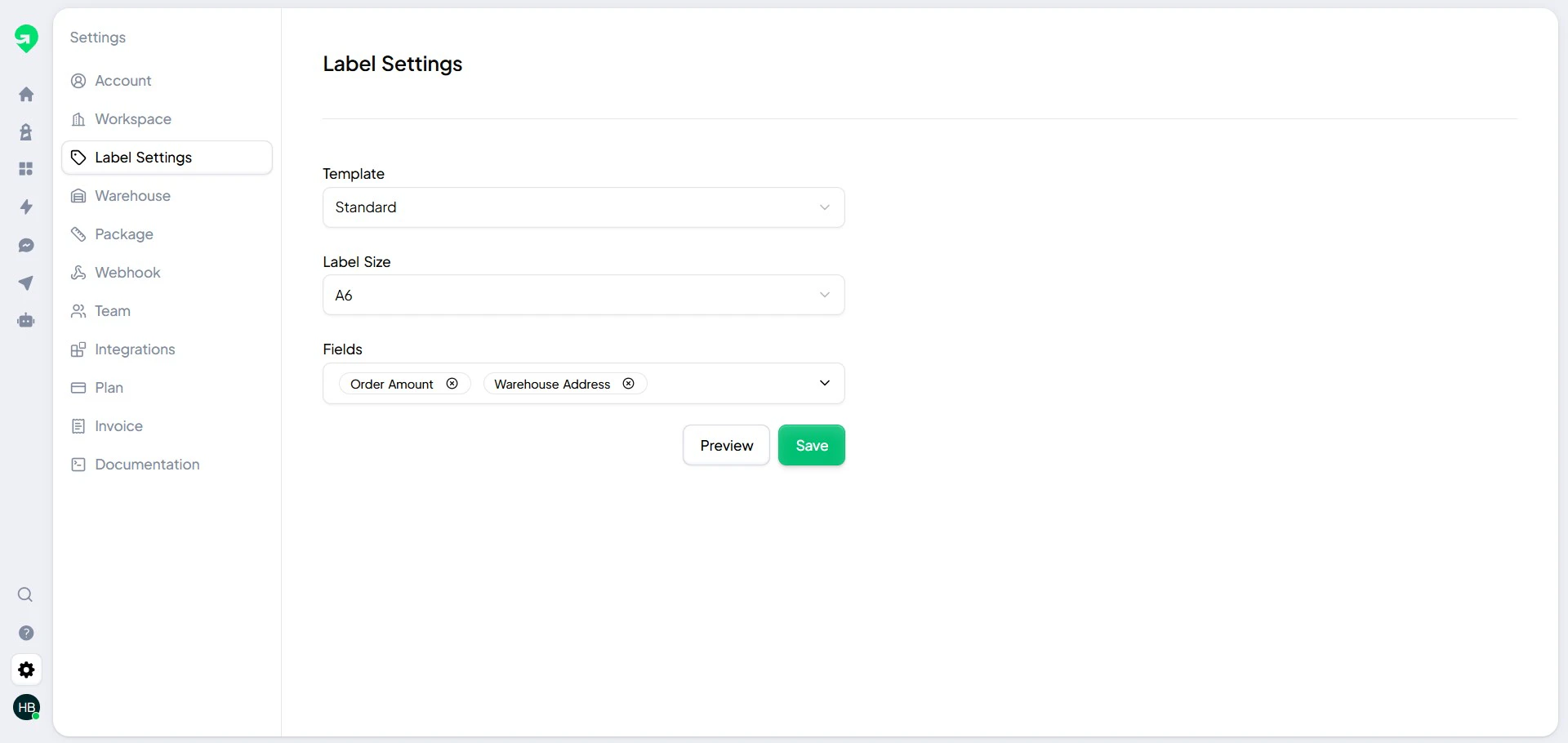
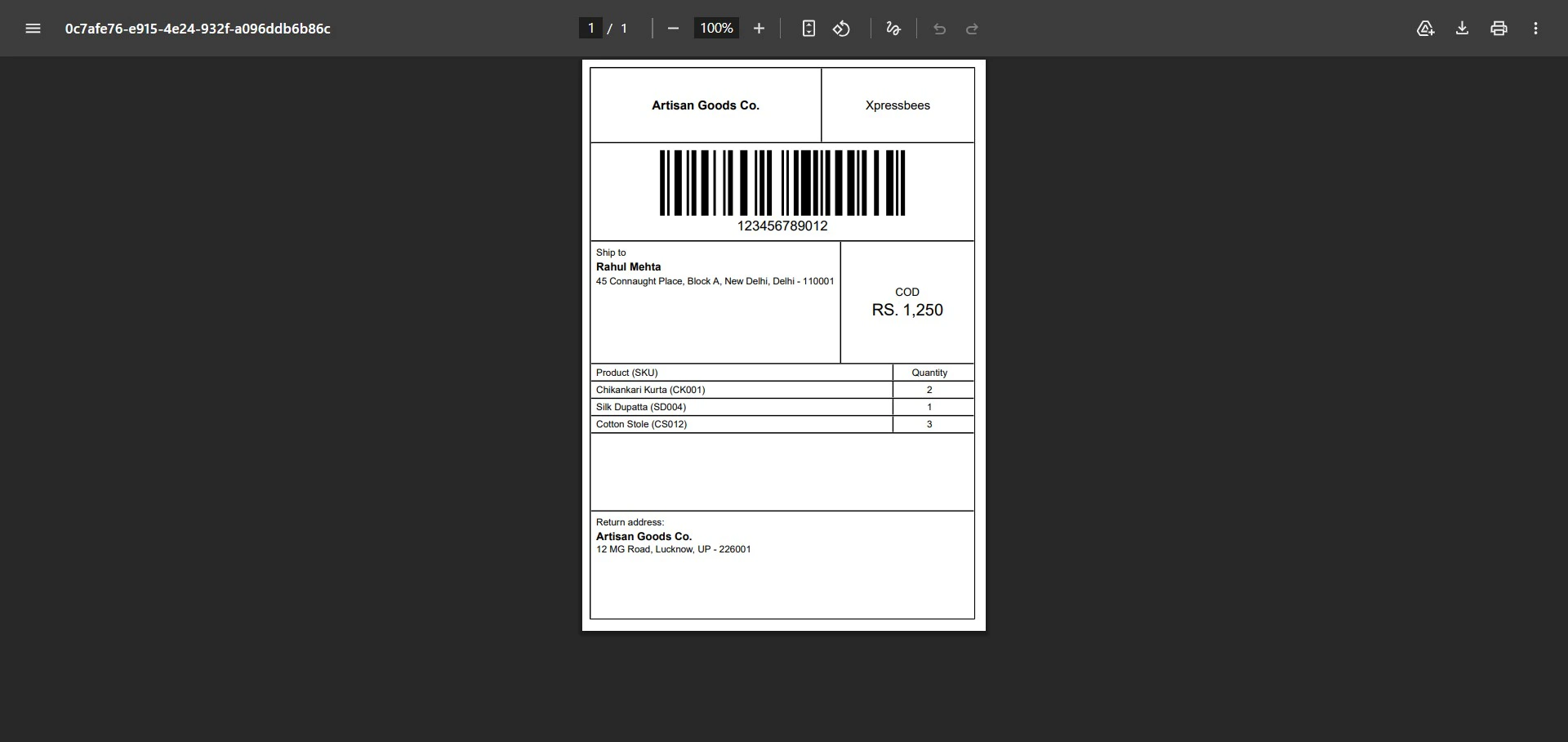
Use this guide to verify labels before dispatch and avoid downstream delivery issues.
Label generation
Generate labels from eligible orders once warehouse and carrier mapping is complete.
Label preview and QA
Always open label preview before you print in bulk.
Validation checklist
Before printing:
- Verify customer name and full address.
- Verify carrier and service type.
- Verify pickup warehouse mapping.
- Confirm barcode is visible and not clipped.
Run a single-sample print first whenever you update label templates or printer settings.