

Notification center
Manage all delivery communication from one place.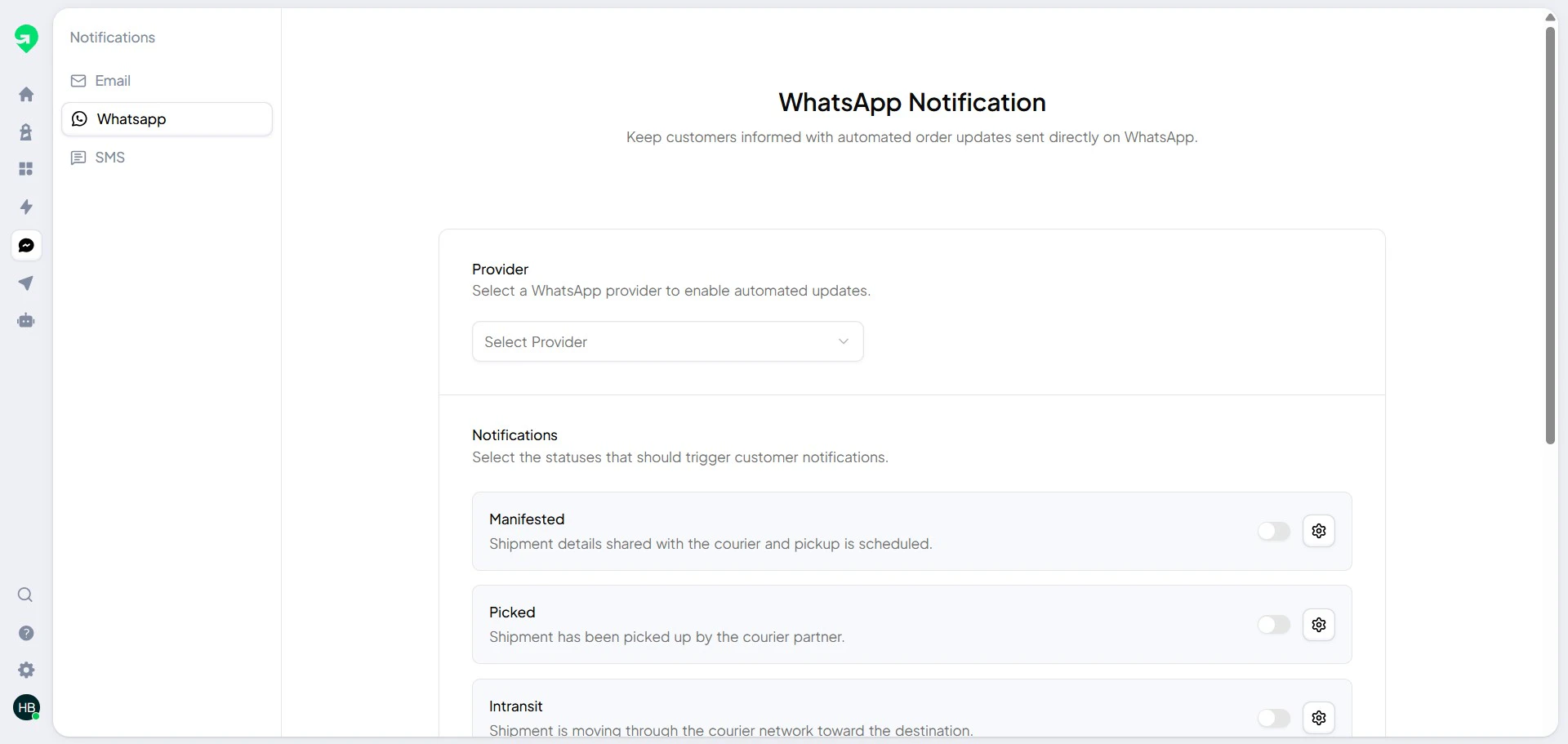
Channel popup and trigger selection
Use the channel popup to choose message types and trigger points.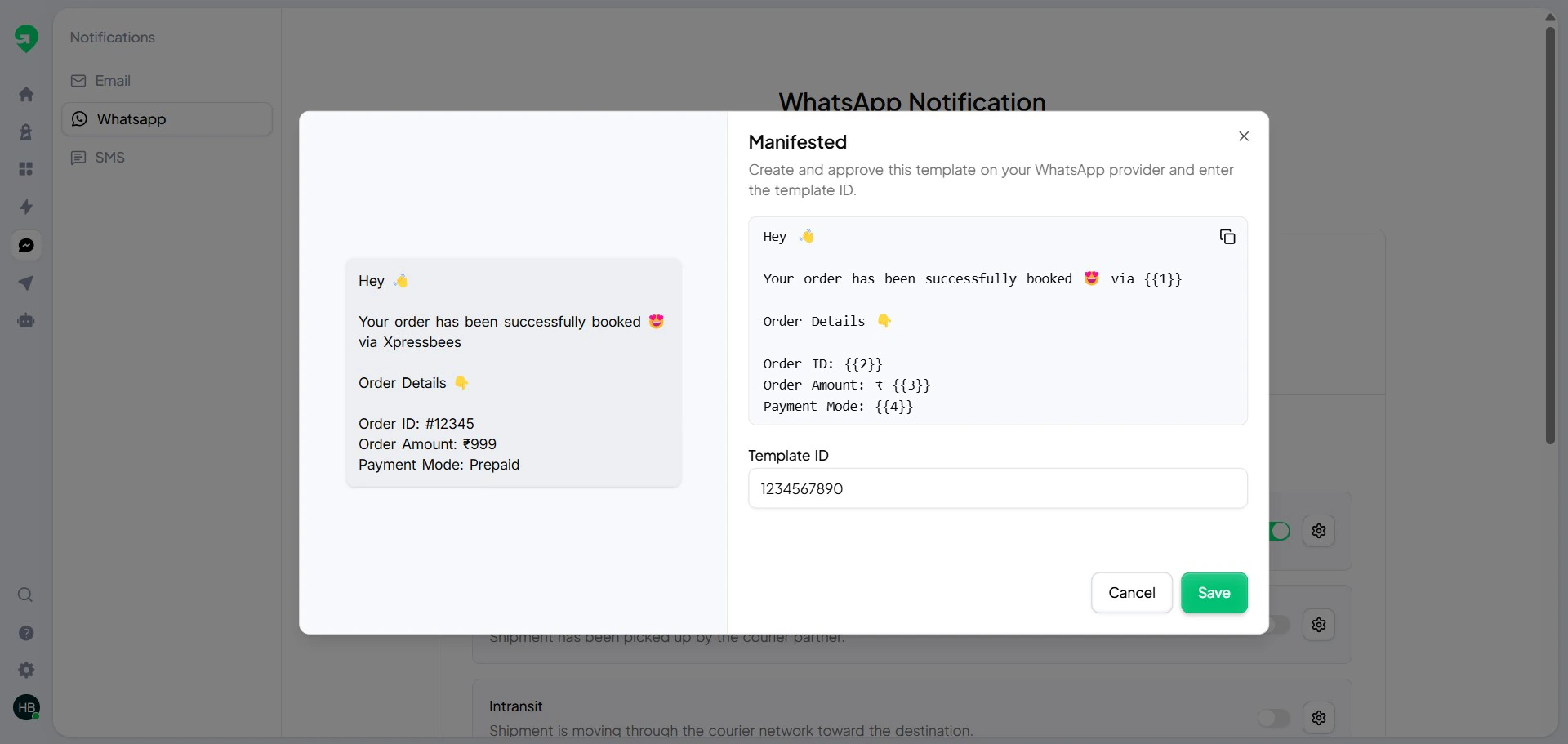
Best practices
- Send order confirmation immediately after shipment creation.
- Add out-for-delivery and failed-attempt notifications.
- Keep templates short, clear, and action-focused.
- Include branded tracking page links whenever possible.
Validation checklist
Before publishing:- Verify each template has the correct variable mapping.
- Send test messages to internal numbers/emails.
- Confirm every trigger is active in the expected order flow.