> ## Documentation Index
> Fetch the complete documentation index at: https://docs.gratero.com/llms.txt
> Use this file to discover all available pages before exploring further.
# Tracking page
> Create and publish your branded post-purchase tracking experience.
Your tracking page is often the most visited customer touchpoint after checkout.
## Tracking page overview
Configure layout, brand visuals, and support content from the tracking module.
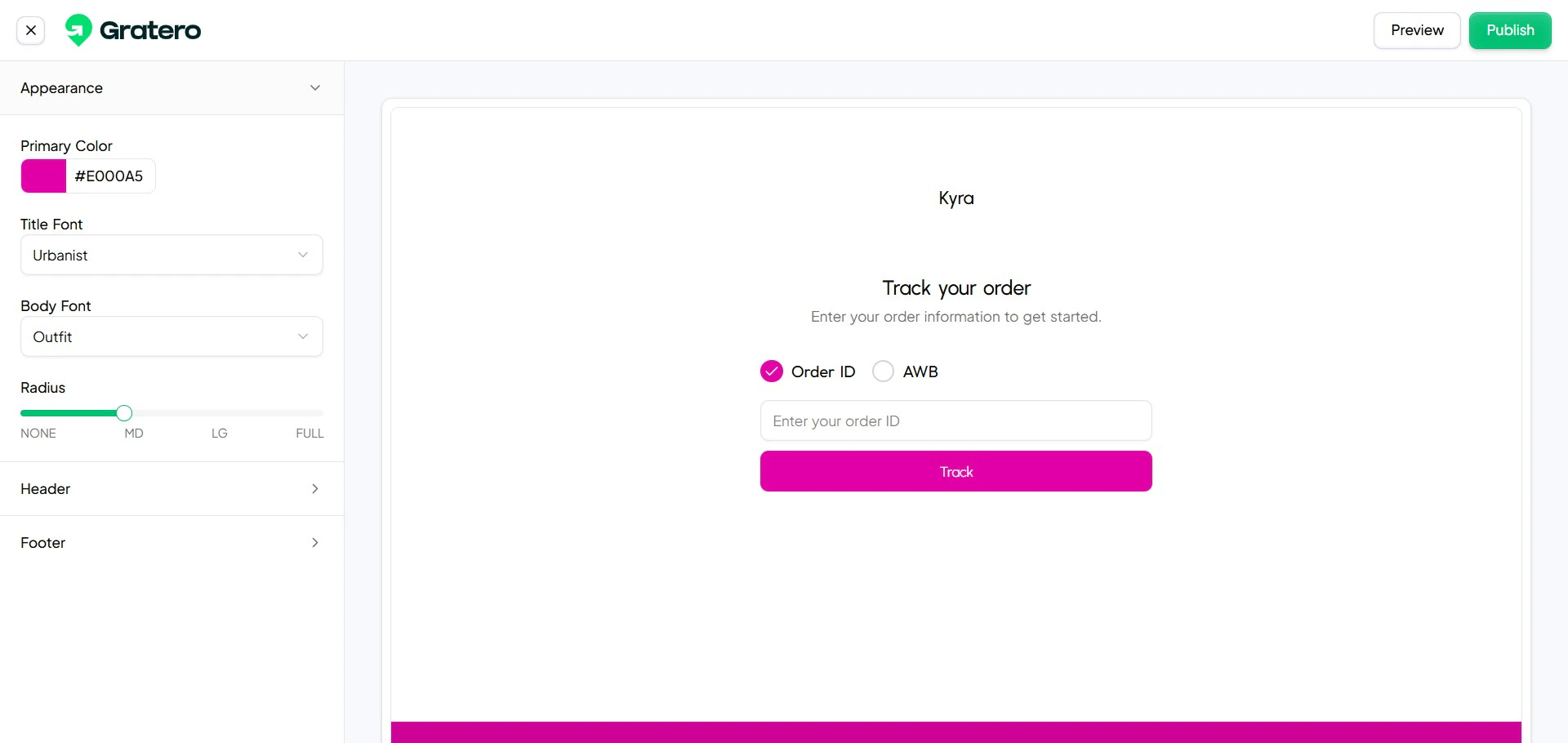 ## Create and manage templates
Build reusable templates for different brands or regions.
## Create and manage templates
Build reusable templates for different brands or regions.
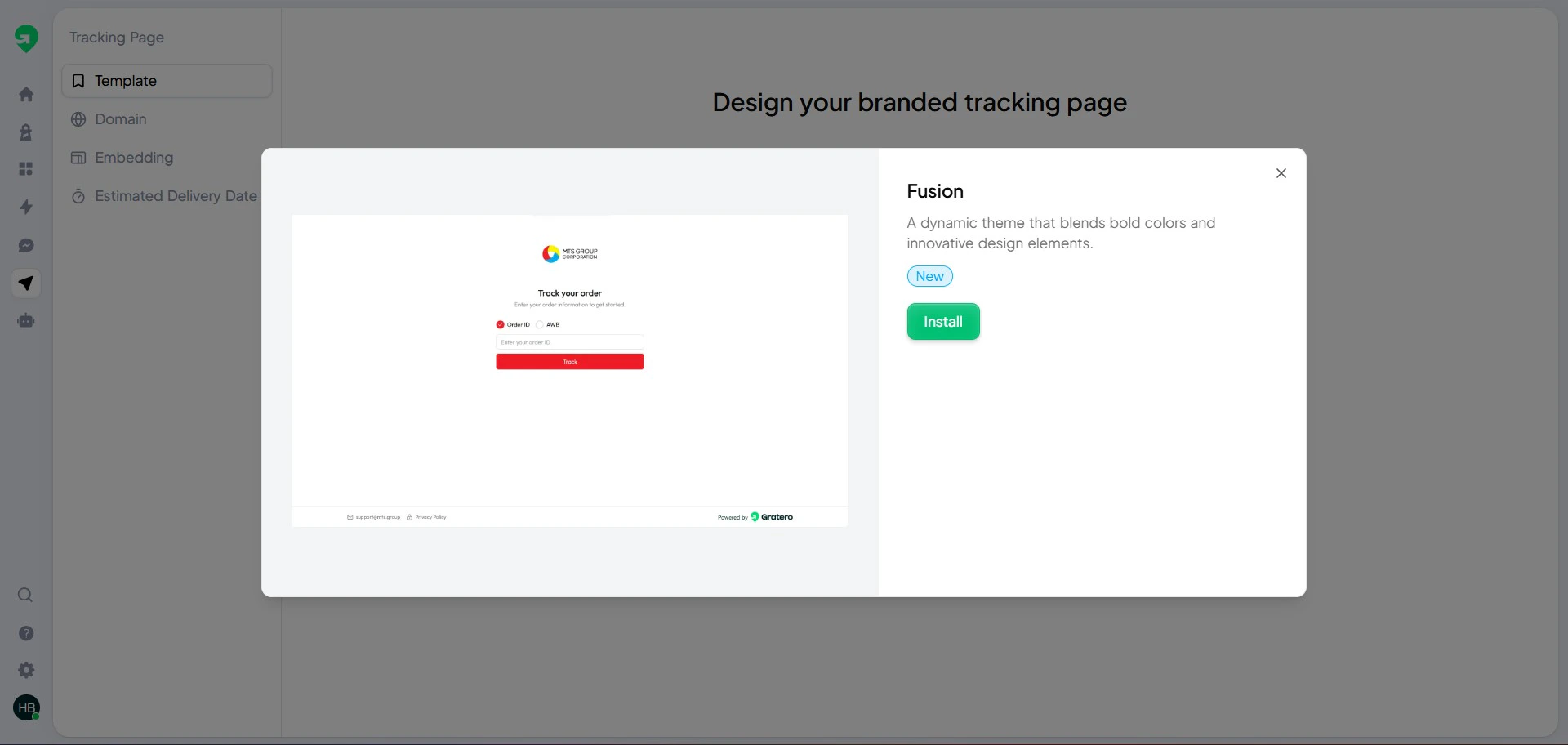
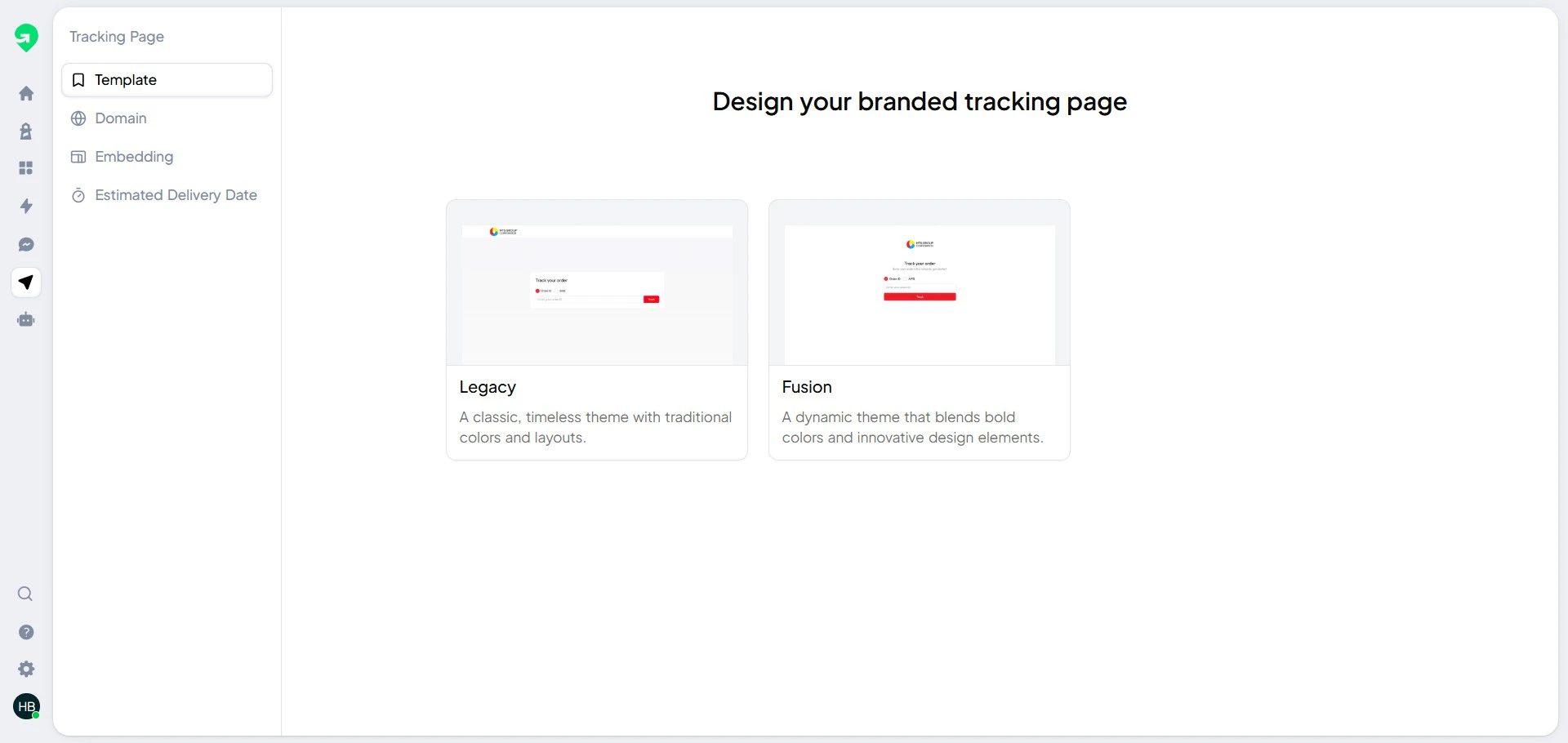 ## Install a template
Apply your approved template to the active storefront.
## Install a template
Apply your approved template to the active storefront.
 ## Launch checklist
1. Verify logo and color consistency.
2. Verify shipment status blocks.
3. Verify support links and contact details.
4. Open test links on mobile and desktop.
## Launch checklist
1. Verify logo and color consistency.
2. Verify shipment status blocks.
3. Verify support links and contact details.
4. Open test links on mobile and desktop.