> ## Documentation Index
> Fetch the complete documentation index at: https://docs.gratero.com/llms.txt
> Use this file to discover all available pages before exploring further.
# Shipping settings
> Configure team access, carriers, warehouses, and pin code controls.
Use shipping settings to control who can operate in Gratero and where you can deliver.
## Team management
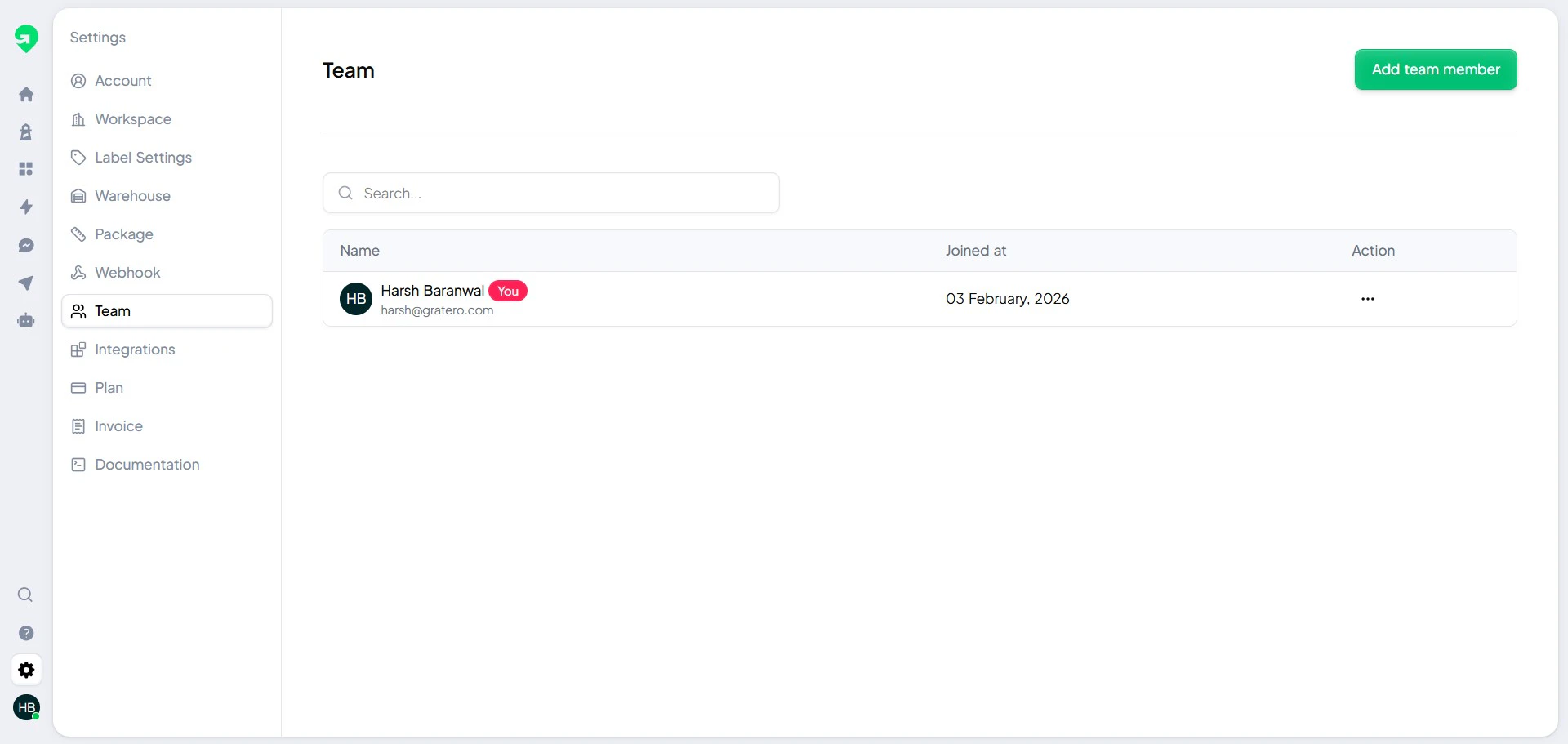
Invite your operations and support teams so each role can manage the right workflows.
 ## Carrier setup
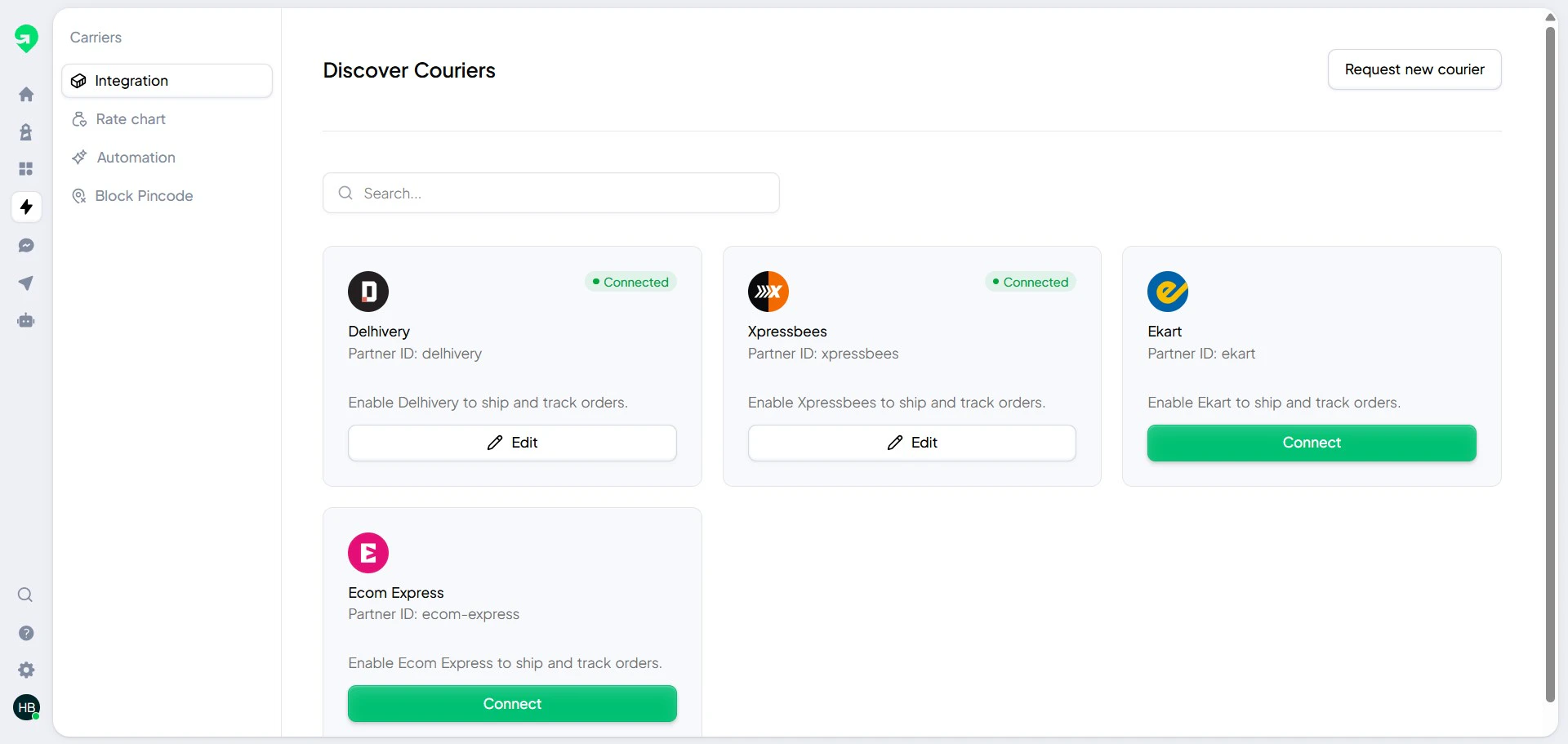
Connect all courier accounts you use for fulfillment.
## Carrier setup
Connect all courier accounts you use for fulfillment.
 ## Warehouse setup
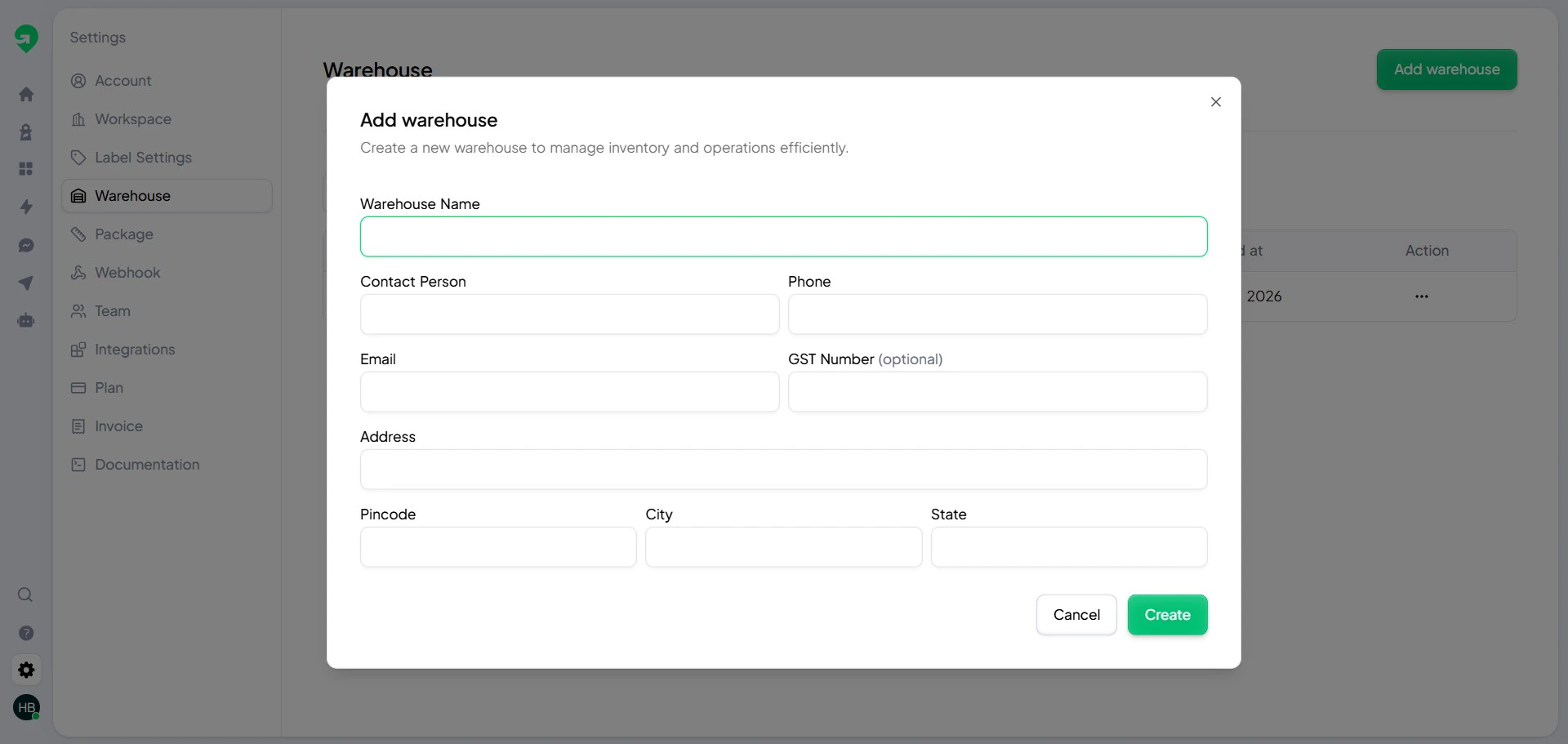
Each warehouse controls pickup origin, SLA expectations, and operational routing.
## Warehouse setup
Each warehouse controls pickup origin, SLA expectations, and operational routing.
 ## Block pin codes
Use pin code blocking to proactively avoid shipment creation for known risky zones.
## Block pin codes
Use pin code blocking to proactively avoid shipment creation for known risky zones.
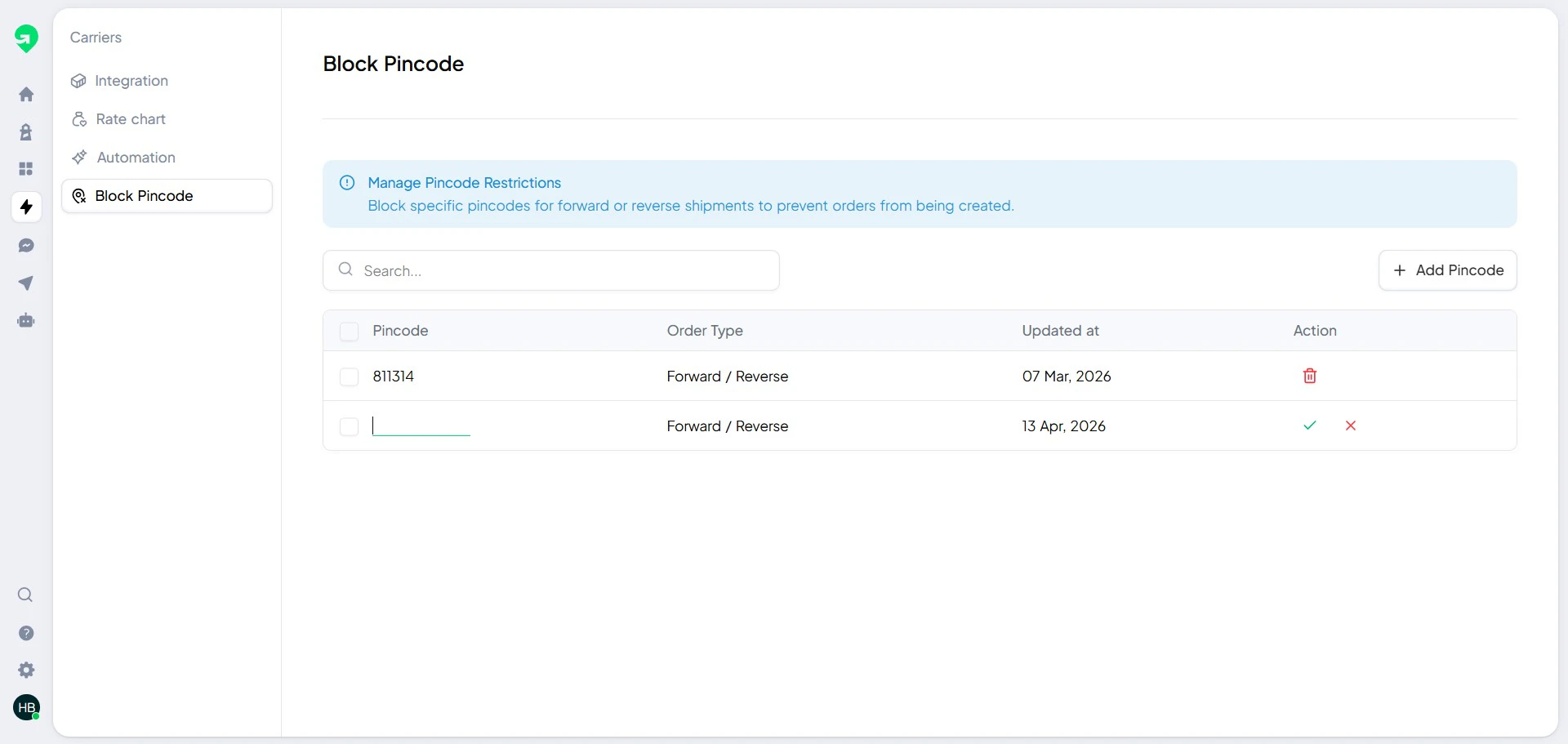 Review blocked pin codes weekly and remove temporary restrictions once service resumes.
## Recommended setup order
1. Add team members.
2. Add warehouses.
3. Connect carriers.
4. Configure blocked pin codes.
5. Run a test shipment before going live.
Review blocked pin codes weekly and remove temporary restrictions once service resumes.
## Recommended setup order
1. Add team members.
2. Add warehouses.
3. Connect carriers.
4. Configure blocked pin codes.
5. Run a test shipment before going live.