> ## Documentation Index
> Fetch the complete documentation index at: https://docs.gratero.com/llms.txt
> Use this file to discover all available pages before exploring further.
# Warehouse management
> Add and maintain pickup locations for smooth dispatch.
Warehouses define pickup origin and affect label generation and courier assignment.
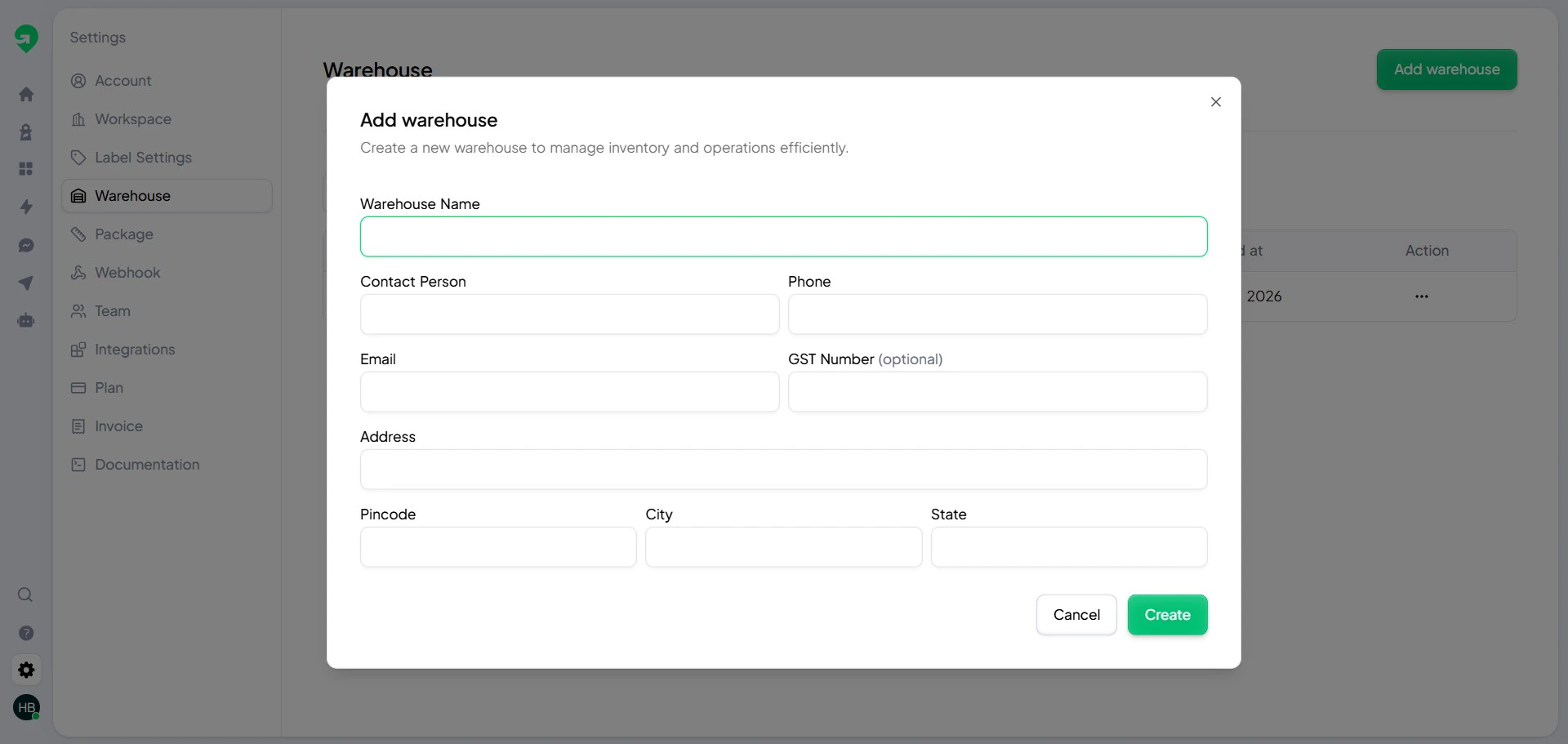
## Create a warehouse
Add complete address and contact information for each warehouse.
 ## Warehouse list and health check
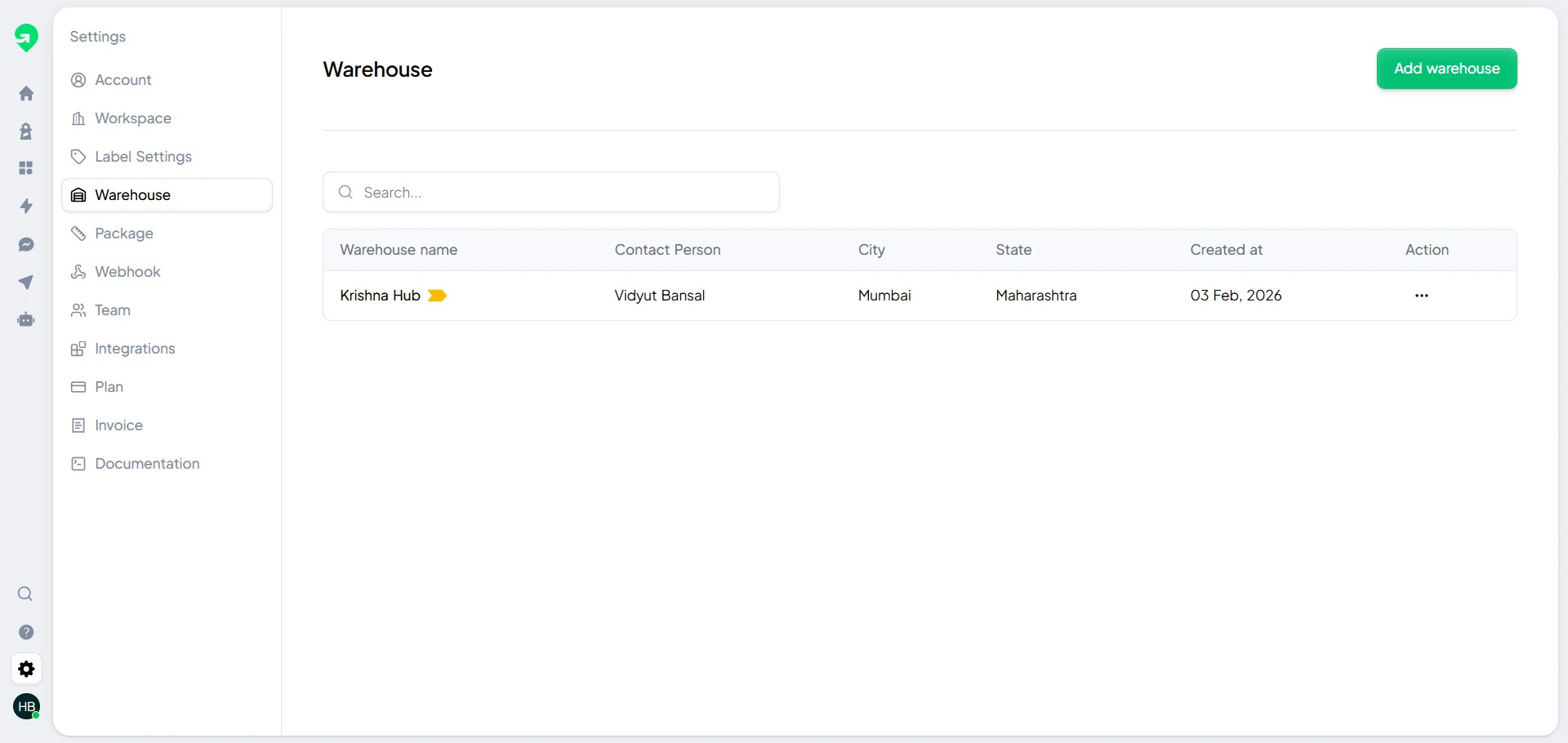
Regularly review the warehouse list for outdated details.
## Warehouse list and health check
Regularly review the warehouse list for outdated details.
 ## Best practices
* Keep warehouse names clear and region-specific.
* Verify pickup contact numbers monthly.
* Disable inactive warehouses to avoid label mistakes.
## Best practices
* Keep warehouse names clear and region-specific.
* Verify pickup contact numbers monthly.
* Disable inactive warehouses to avoid label mistakes.