> ## Documentation Index
> Fetch the complete documentation index at: https://docs.gratero.com/llms.txt
> Use this file to discover all available pages before exploring further.
# Team management
> Invite users and organize responsibilities across operations and support.
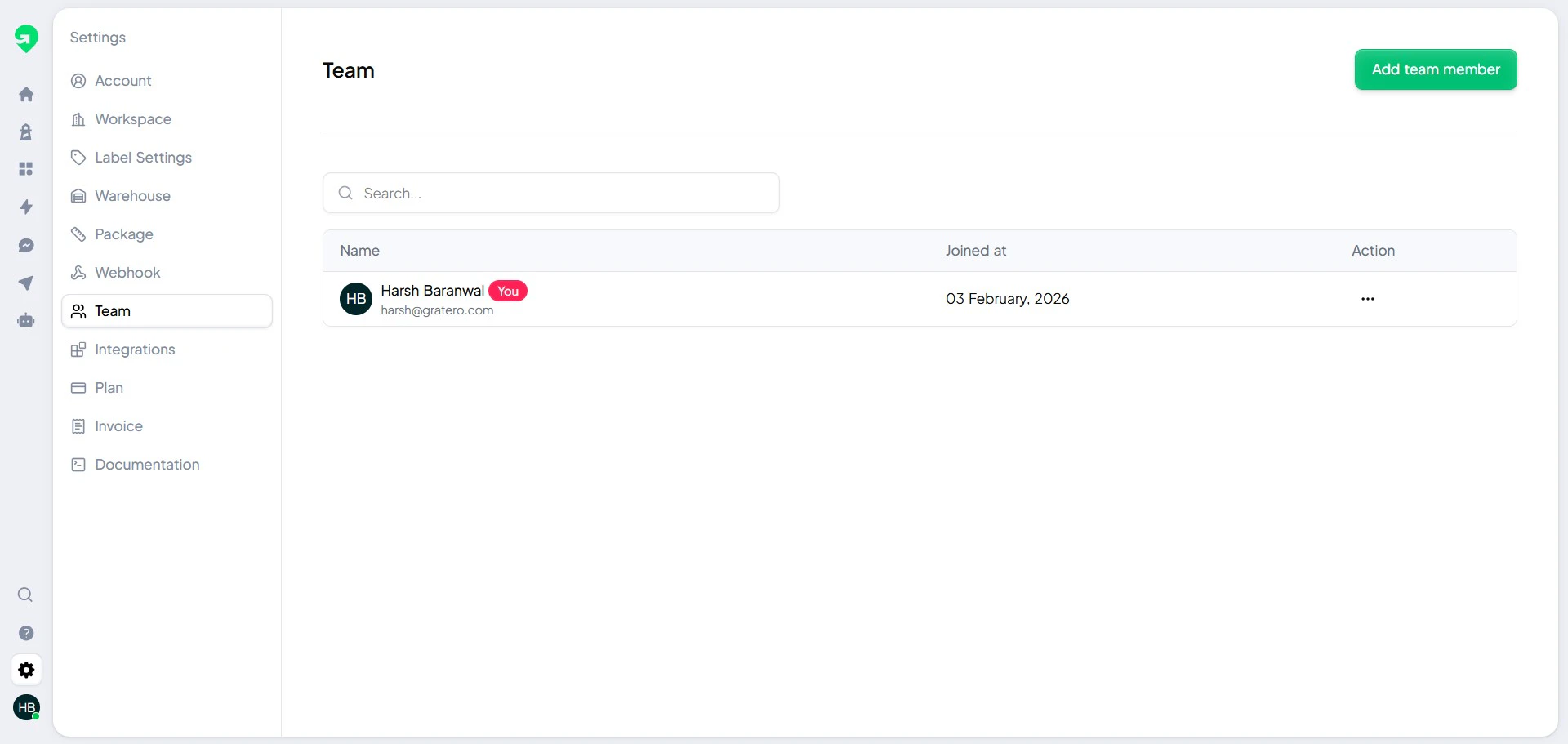
Team management controls who can access and operate Gratero.
## Invite members
Invite users with role-appropriate permissions.
 ## Role design recommendations
* **Admin**: Full control over settings, automations, and channels.
* **Operations**: Shipment, label, and warehouse operations.
* **Support**: Notification management and customer issue handling.
## Onboarding checklist
1. Confirm each new member can access the required modules.
2. Run one supervised shipment flow with each new operator.
3. Review escalation workflow ownership before go-live.
## Role design recommendations
* **Admin**: Full control over settings, automations, and channels.
* **Operations**: Shipment, label, and warehouse operations.
* **Support**: Notification management and customer issue handling.
## Onboarding checklist
1. Confirm each new member can access the required modules.
2. Run one supervised shipment flow with each new operator.
3. Review escalation workflow ownership before go-live.